
In Pakistan, India, Brazil, Indonesia and much of the Middle East and Africa, WhatsApp is where customers already talk to businesses. Many small shops take orders, send quotes and share new products entirely through it. The free WhatsApp Business app gives you tools to do that professionally, and the WhatsApp Business Platform scales it for larger teams.
Quick answer: To market with WhatsApp Business, set up a complete business profile, add a product catalog with clear photos and prices, use greeting and away messages and quick replies to respond fast, post Status updates, and send broadcasts only to customers who have opted in. Keep messages useful and infrequent, and move to the WhatsApp Business Platform (API) when you need multiple agents, automation or large-scale messaging.
WhatsApp Business app vs WhatsApp Business Platform
| WhatsApp Business app | WhatsApp Business Platform (API) | |
|---|---|---|
| Cost | Free app | Charged per message for certain message types, plus any provider fees |
| Best for | Small businesses, a few people handling chats | Growing businesses, multiple agents, integrations |
| Devices | Phone plus linked devices | Works through software such as CRMs and help desks |
| Automation | Greeting, away messages, quick replies | Chatbots, CRM integration, automated notifications |
| Broadcasts | Broadcast lists to contacts who saved your number | Template messages to opted-in customers at scale |
Most small businesses start with the app and move to the Platform through a Meta Business Partner when volume grows.
Setting up your business profile
A complete profile builds trust before a customer sends a message:
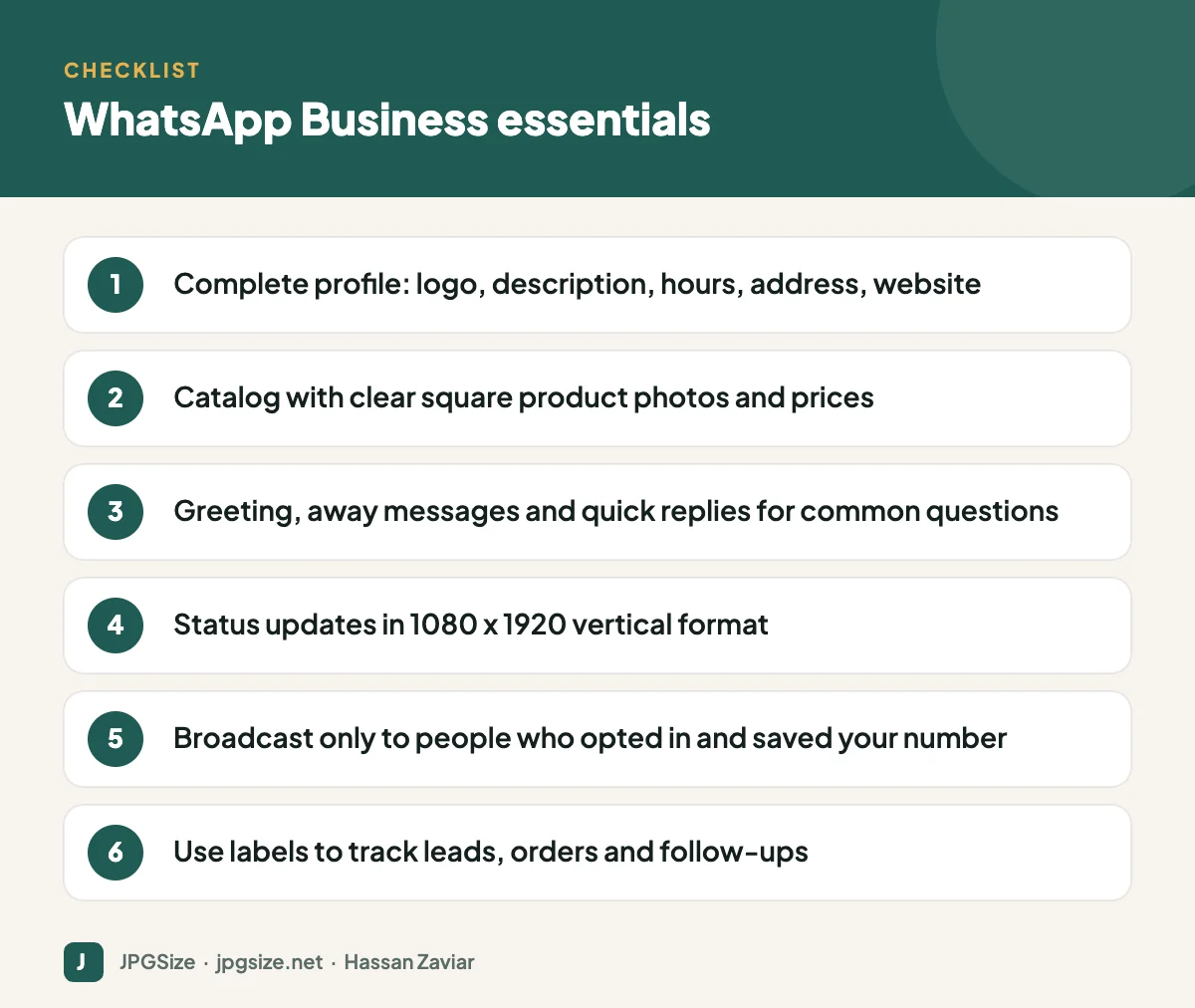
- Profile photo: your logo on a plain background, at least 500 x 500 pixels and centred, because it displays as a small circle.
- Business name exactly as customers know it.
- Description: what you sell and where, in one or two sentences.
- Category, address, hours, email and website.
- Short link and QR code from the app’s settings, to put on your website, packaging and shop counter.
Building a catalog that sells
The catalog lets customers browse products and send an enquiry about a specific item without leaving the chat.
- Use clean, well-lit square photos, ideally with the product on a plain background. Meta’s commerce guidelines call for at least 500 x 500 pixels; around 1024 x 1024 looks sharp on modern phones. Our guide to product image optimization and AI background removal can help you prepare them.
- Write clear product names, prices and short descriptions including size, colour and material.
- Group items into collections such as “New arrivals” or “Eid gifts”.
- Keep it updated. Out-of-stock items that remain in the catalog create frustrating conversations.
Status updates and Channels
Status works like Stories: vertical photos, videos and text updates visible for 24 hours to contacts who have saved your number. Use 1080 x 1920 images, keep text in the centre, and post new arrivals, behind-the-scenes clips and time-limited offers. See the social media image sizes cheat sheet for vertical safe zones.
Channels are one-way broadcast feeds that people can follow without sharing their phone number. They suit brands with regular updates, such as a restaurant’s daily specials or a shop’s weekly drops.
Broadcasts without becoming spam
Broadcast lists in the app send a message to many contacts individually, but only people who have saved your number receive them. That built-in limit is a feature: it means recipients chose to hear from you. Good practice:
- Get clear opt-in, for example a checkbox at checkout or a message such as “Reply YES to get new arrivals on WhatsApp”.
- Segment with labels: new customers, repeat buyers, wholesale, specific interests.
- Send rarely and make it valuable: a new collection, a restock of something they asked about, a genuine offer. Weekly at most for most businesses.
- Keep images light and clear. WhatsApp compresses photos; start with a high-quality, correctly sized image. See why social media lowers photo quality.
- Make opting out easy, and respect it immediately.
Businesses that send too many unwanted messages get reported and blocked, which can lead to account restrictions.
Automation and speed
Customers on WhatsApp expect fast replies. Use:
- Greeting message for first contacts, with what you can help with.
- Away message outside business hours, with when you will reply.
- Quick replies (typed shortcuts) for prices, delivery charges, payment methods and store directions.
- Labels to track stages such as new enquiry, pending payment, shipped.
For larger volumes, the Platform supports chatbots and CRM integration; our guide to AI chatbots for small business covers how to set one up responsibly.
Linking WhatsApp to your other marketing
- Add a WhatsApp button to your website, Instagram and Facebook profiles, and Google Business Profile.
- Use click-to-WhatsApp ads on Facebook and Instagram to start conversations directly.
- Share useful content from your blog, such as care guides or size charts, in replies and broadcasts.
- Track conversations and sales from WhatsApp in your CRM or a simple spreadsheet, so you know what the channel is worth.
A simple WhatsApp sales flow for a small shop
- Discovery: a customer sees a product on Instagram or your website and taps the WhatsApp button, which opens a chat with a pre-filled message naming the product.
- First reply: your greeting message confirms you received it; within business hours, a person replies quickly with price, availability and delivery time using a quick reply.
- Browsing: you share the relevant catalog collection so the customer can see alternatives.
- Order: the customer confirms size, colour and address; you apply a “pending payment” label.
- Payment and dispatch: you share payment options and, once paid, a dispatch confirmation with tracking; the label changes to “shipped”.
- Follow-up: a week later, a short message asks if everything arrived well and invites a review, and the customer is asked whether they want to hear about new arrivals.
This flow keeps every conversation organised and turns one-off buyers into opted-in repeat customers.
Measuring WhatsApp marketing
Count conversations started, response time, orders closed and revenue from WhatsApp each month. For click-to-WhatsApp ads, Meta Ads Manager reports conversations started. For website buttons, add UTM parameters or track button clicks as events in GA4; see GA4 for beginners. Even a simple spreadsheet will show whether WhatsApp deserves more of your time and budget.
Frequently asked questions
Is WhatsApp Business free?
The WhatsApp Business app is free. The WhatsApp Business Platform (API) charges for certain message types, and business solution providers may add their own fees.
How many people can I broadcast to on WhatsApp Business?
Broadcast lists in the app have size limits and only reach contacts who have saved your number. For large-scale messaging, the WhatsApp Business Platform with opted-in customers is the right tool.
What size should WhatsApp catalog images be?
Use square images of at least 500 x 500 pixels; around 1024 x 1024 gives a sharper result. Keep the product centred on a clean background.
Can I send promotional messages on WhatsApp?
Yes, to customers who have opted in, and within WhatsApp’s Business and Commerce policies. Unwanted messages lead to blocks and reports that can restrict your account.
Sources and further reading
About the author: Hassan Zaviar writes about image optimization, SEO, AI and digital marketing for JPGSize and works on the site’s free browser-based image tools. Last reviewed: 24 September 2026. Spotted something out of date? Tell us and we will update it.

